 Papin
PapinWhat is PapinAI? An AI whiteboard that thinks with you
Most AI tools answer in a wall of text. This one explains out loud while drawing the idea in front of you — and stops the moment you speak.
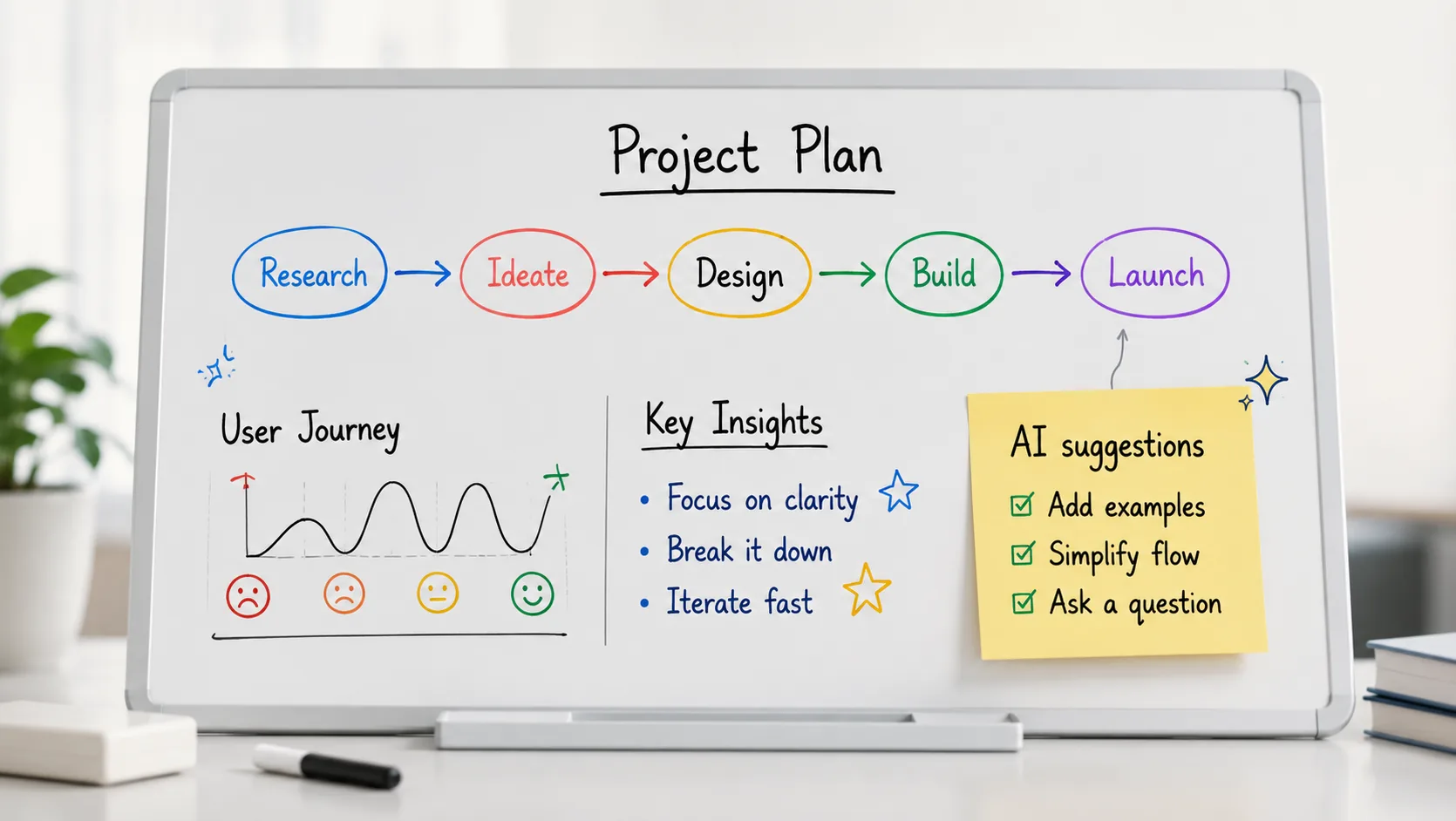
Most AI tools answer you in a wall of text. You read it, you nod, and ten minutes later you could not redraw the idea if someone asked. PapinAI works differently: it explains out loud while drawing the thing on a whiteboard in front of you — and it stops the moment you speak.
That second part is the whole product.
The problem with a perfect explanation
A chat window gives you a finished answer. Complete, well-structured, and delivered all at once. But understanding does not arrive all at once — it arrives in the middle, at the exact moment a step stops making sense.
In a chat window, that moment costs you the whole answer. You have to wait for it to finish, scroll back, quote the confusing part, and ask again. By the time you do, you have lost the thread of where you were.
Sitting with a real tutor, you just say "wait — why that step?" They stop mid-sentence, point at the thing on the board, and explain it right there. Nothing restarts. The diagram you were both looking at stays exactly where it is.
That is what PapinAI does.
What actually happens
Name a topic — "how does gradient descent work" — and three things happen at once:
- It says the first sentence out loud
- A box appears on the board while the sentence is still being spoken
- The next beat continues from that box rather than starting a new thought
Interrupt at any point, by voice or by pressing Raise hand, and it stops. Then it answers by annotating the object already on the board — circling it, labelling it, connecting it to something — instead of wiping the board and drawing its own version again.
That distinction sounds small and is not. A tutor that redraws is a tutor that did not listen.
Easier to watch than to describe:
The board belongs to both of you
You are not watching a video. You can draw on it.
Sketch a box, double-click it, give it a name — and PapinAI adopts it. From that point on it is a real object on the board: it can be pointed at, annotated, and connected to whatever comes next. Your shape keeps your handwriting and your proportions; only its identity is taken over, not its appearance.
This matters when you are working something out. You draw what you think the structure is, and the tutor builds on your version instead of quietly replacing it with a tidier one.
Documents too
Upload a PDF — an assignment brief, a paper, a chapter — and PapinAI reads it, then teaches from it. It maps the document onto the board and answers questions about it. The same rules apply: you can cut in, and it answers on what is already drawn.
What it is not
It is not a search engine, and it is not a homework machine. It does not know your syllabus, it does not remember what you understood last week, and it can be wrong about specifics — like every language model. There is a whole post about what AI tutors still get wrong, because pretending otherwise helps nobody.
What it is good at is the thing that is genuinely hard to get elsewhere: someone patient who will explain something visually, at your pace, and does not mind being interrupted.
Try it
No account needed to open the board and ask something. Signing in only matters if you want to save a board and come back to it.